Roman Urdu to Speech: Turn Roman Urdu Text into Voiceovers
If you create content for a Pakistani audience, you already know the truth: most people think in Roman Urdu even when the final voiceover should sound like proper Urdu. YouTube scripts, TikTok captions, ad copy — they usually start life as "aap kaise hain" typed in Latin letters, not "آپ کیسے ہیں" in Urdu script.
This creates a practical problem. AI voice tools expect clean Urdu script to pronounce Urdu correctly. Roman Urdu typed straight into a text-to-speech tool often comes out garbled, mispronounced, or — worse — spoken with the wrong accent entirely.
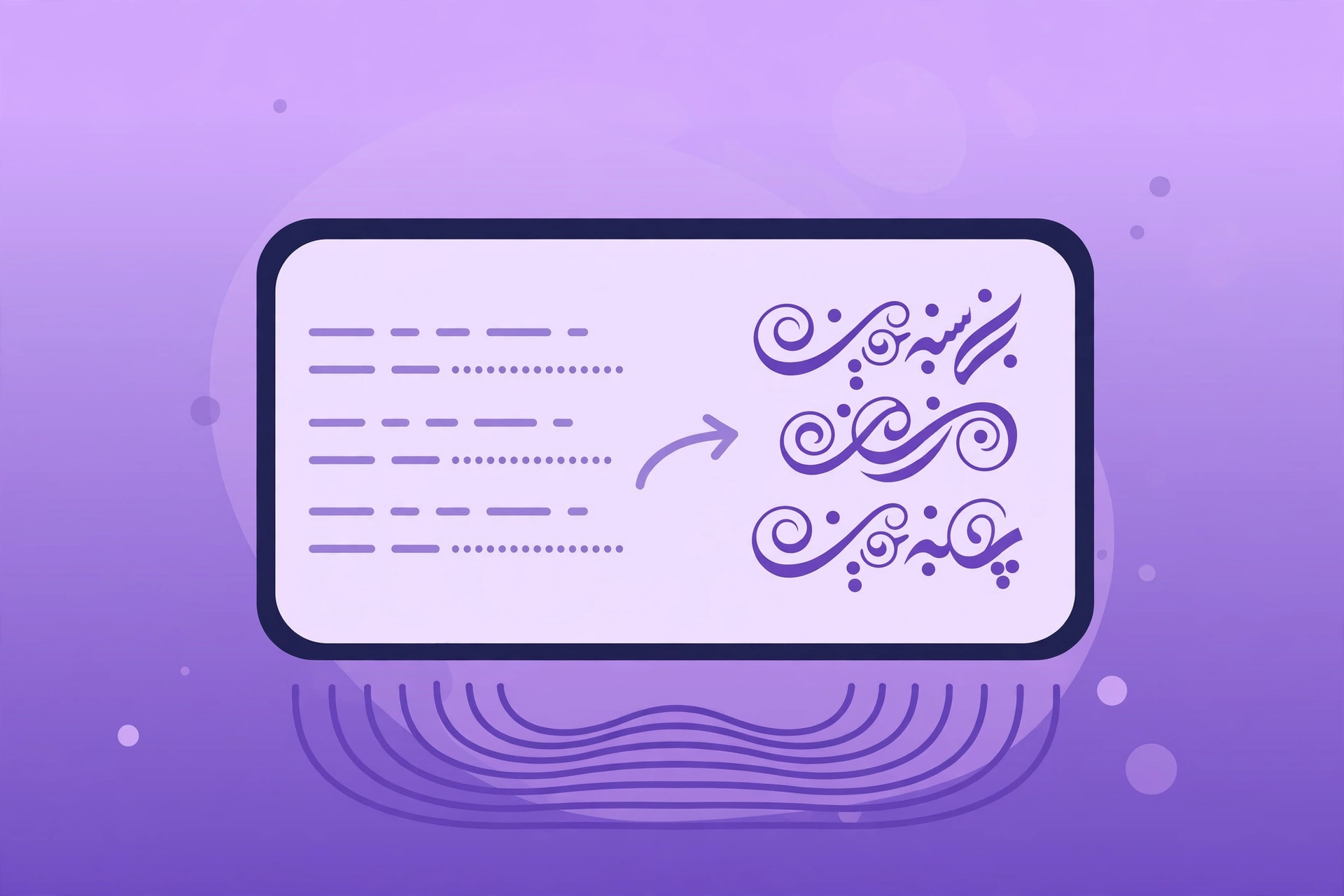
There is a simple workflow that fixes this: write in Roman Urdu, convert to Urdu script, then generate the voice. This guide walks you through the entire roman urdu text to speech process step by step.
Why Roman Urdu Breaks Most Voice Tools
Roman Urdu is convenient for typing but terrible for pronunciation engines. The problem comes down to ambiguity:
- No standard spelling. One person writes "bahut", another writes "bohat", a third writes "bht". A speech engine can't resolve which one you meant.
- Mixed languages. Roman Urdu sentences usually contain English words: "mein ne course complete kar liya hai." An English-trained voice reads "course" fine, but an Urdu-trained voice may mangle it.
- Missing diacritics. Urdu script has its own pronunciation cues that Roman Urdu simply doesn't encode.
The fix is not a "Roman Urdu speech engine" — it is converting your text into proper Urdu script before you send it to the voice tool. That one step raises output quality more than anything else.
The 3-Step Roman Urdu to Speech Workflow
Step 1: Write Your Script in Roman Urdu (Normally)
Don't fight your habits. Draft your entire script in Roman Urdu — YouTube voiceover, ad script, course narration, whatever you're making. Write it the way you speak it. Keep sentences short; short sentences are easier to review and convert.
Tip: read your draft out loud once. If a sentence sounds awkward when you say it, it will sound awkward as an AI voiceover too.
Step 2: Convert Roman Urdu to Urdu Script
This is the critical step. Convert your Roman Urdu draft into proper Urdu script (اردو رسم الخط). You can use any Roman-to-Urdu transliteration tool — several free ones exist online.
What to check after conversion:
- Homophones and misreads. Transliterators guess. "Salam" should become سلام, not some other word. Scan for words that look wrong in Urdu script.
- English words. If your script mixes English ("download", "course", "subscribe"), decide which words you want the voice to read in English and which should be Urdu-ified. Keep brand names and common tech terms in Latin letters — most modern Urdu voices handle common English words acceptably.
- Numbers and dates. Write out large numbers in words if your voice tool doesn't handle digits well in Urdu context ("do hazaar cheebis" style), or test how the tool reads them first.
A quick manual proofread at this stage saves you from regenerating audio three times.
Step 3: Generate the Voice with an Urdu-Capable TTS Studio
Now feed your clean Urdu script into a text-to-speech platform that actually supports Urdu voices. SynVoice is an AI text-to-speech voice studio with 38,000+ premium AI voices across 100+ languages — including Urdu — so your converted script gets a natural Urdu voice instead of an English-accented misread.
The practical workflow inside SynVoice:
- Test first with the live demo. SynVoice offers a live demo widget — paste a paragraph of your converted Urdu script and listen before you spend any credits. You can try different voices to find one that fits your content (news-style, conversational, energetic).
- Use the voice library. Browse the AI voice library to filter voices by language and engine. With 38,000+ premium voices, you can compare male/female options and narration styles for Urdu.
- Clone your own voice (optional). If you want every voiceover in your own voice, voice cloning is a real feature — record a sample and generate all future narration in your own voice.
This is a workflow, not a special "Roman Urdu engine": clean Urdu script in, natural Urdu voice out. The quality comes from the conversion step plus a voice model trained to pronounce Urdu properly.

Common Mistakes That Ruin Roman Urdu Voiceovers
- Skipping the script conversion. Feeding "mujhe bohat khushi hui" directly into the tool and hoping for the best. Convert first — always.
- Converting without proofreading. Transliterators make mistakes with mixed sentences. Five minutes of review saves a full re-record.
- Ignoring pacing. Urdu sentences run long. Break long sentences at natural pauses; AI voices handle short, punctuated sentences far better.
- Using one voice for everything. A serious news script and a fun TikTok voiceover need different voices. Test at least two or three.
- Forgetting your trial credits. New SynVoice signups get 1 million free welcome credits that never expire — perfect for testing voices across your scripts without paying. Paid plan credits expire in 30 days, so plan your production runs accordingly.
What This Workflow Costs
Here's the honest breakdown of the SynVoice side (check the live pricing page for current plans, which start from $3.99):
- Testing: free. The live demo plus your 1 million free welcome credits (they never expire) cover extensive voice testing.
- Short videos: a typical 60-second Urdu voiceover uses a small fraction of a paid plan's credits.
- Long-form narration: courses and audiobooks consume more; that's where paid plans make sense.
The Roman-to-Urdu conversion step itself costs nothing — it's the highest-leverage free improvement in the whole process.
Who This Workflow Is For
- YouTubers making Urdu commentary, explainers, or storytelling videos.
- Course creators teaching in Urdu or mixed Urdu-English.
- Marketers running Meta or TikTok ads in Pakistan (for a related voiceover-for-ads angle, see the guide to AI voiceover for faceless YouTube).
- Podcasters narrating Urdu articles or blogs.
If you already write scripts in Roman Urdu, you don't need to change your writing habit — just add the conversion step.
Frequently Asked Questions
Can text-to-speech tools read Roman Urdu directly?
Some tools will attempt it, but the results are usually poor: wrong accents, mangled words, inconsistent pronunciation. The reliable approach is to convert Roman Urdu to Urdu script first, then generate the voice. That is exactly the workflow this guide describes — it is a method, not a claim of a dedicated Roman-Urdu engine.
How do I convert Roman Urdu to Urdu script?
Use a free Roman-to-Urdu transliteration tool online, then manually proofread the output for misread words and mixed English terms. Automatic conversion gets you 90% there; the manual review fixes the rest.
Is there a free way to try Urdu text to speech?
Yes. SynVoice offers a live demo on its homepage, and every new signup receives 1 million free welcome credits that never expire. You can test multiple Urdu voices on your converted scripts before spending anything. For Urdu-specific basics, see the guide to Urdu text to speech.
Will the voice sound like a natural Urdu speaker?
That depends on the voice model and the cleanliness of your script. Properly converted Urdu script fed to an Urdu-capable voice produces far more natural results than Roman Urdu fed directly. Always listen to the demo output for your exact script before generating the full audio.
Does SynVoice support Urdu, Hindi, and Arabic?
Yes — SynVoice supports 100+ languages including Urdu, Hindi, Arabic, Punjabi, and Bengali, with 38,000+ premium AI voices. You can use the same workflow for Hindi (Devanagari) and Arabic scripts with their respective conversions.