Urdu Voice Cloning: Clone Your Own Voice for Videos
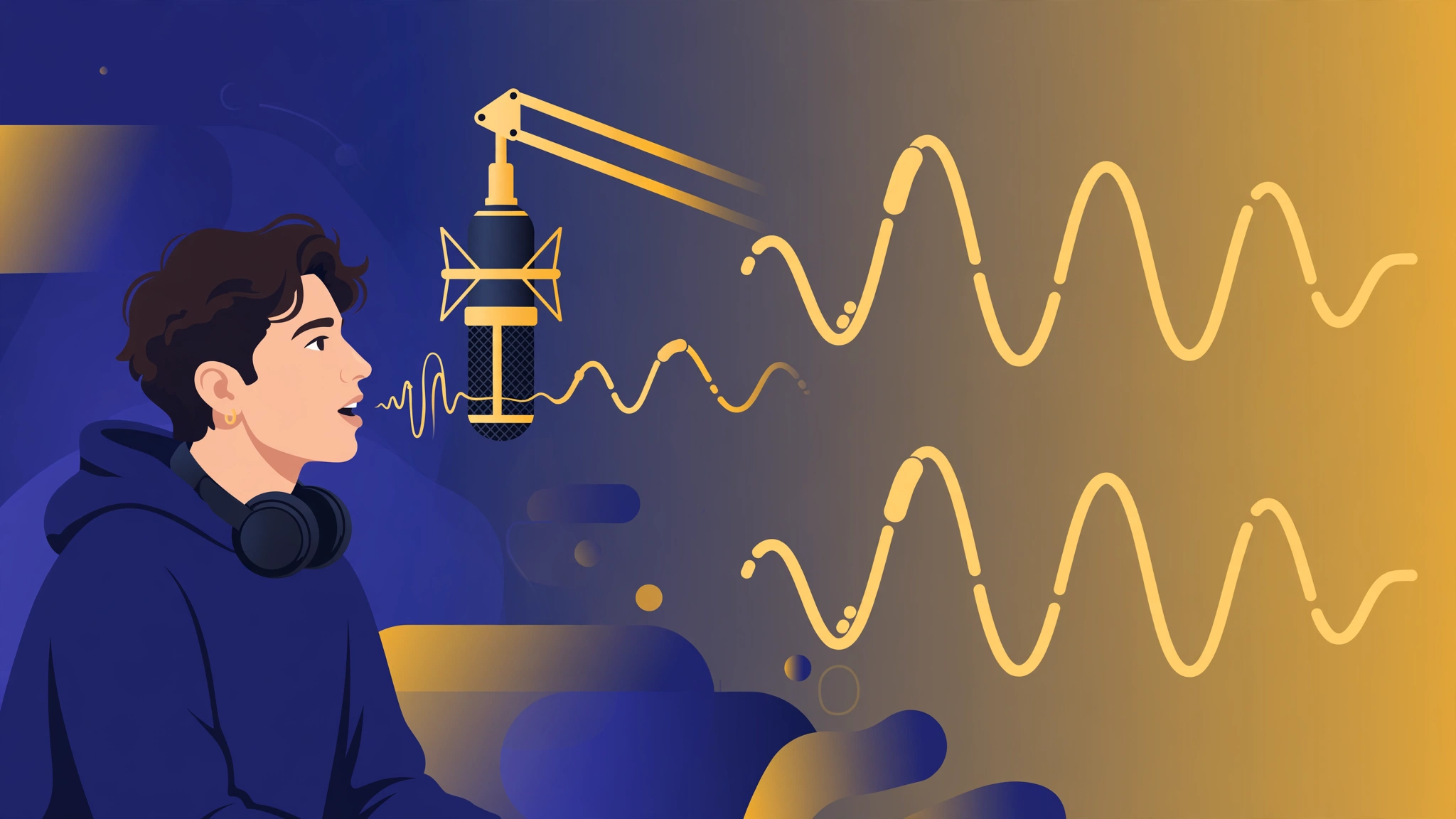
Imagine recording your voice once — reading a few sample lines in Urdu — and getting back an AI model that can speak anything in your voice. Your next YouTube video, your online course, your audiobook: all narrated in your voice, without you ever stepping up to a microphone again.
That's Urdu voice cloning: AI that learns the unique sound of your voice — tone, accent, rhythm — and reproduces it on any text you give it, in Urdu, English, Roman Urdu, or mixed scripts. It's a real, available feature: SynVoice's voice cloning lets creators build a personal voice model and generate content with it.
This guide explains how it works, walks you through setup step by step, and lays out the ethics rules — because cloning technology is powerful, and there's a hard line you must not cross.
What Is Urdu Voice Cloning?
Voice cloning is different from standard text-to-speech. Standard TTS gives you a library voice — one of 38,000+ voices that already exist. Voice cloning gives you your voice.
Here's how it works in plain terms:
- You provide a voice sample — a short recording of you speaking (your own voice, reading or talking naturally).
- The AI analyzes it — it learns your pitch, timbre, speaking pace, accent, and the way you emphasize words.
- You get a voice model — from that point on, any text you type is spoken in your cloned voice.
For Urdu creators, this matters more than it sounds. Urdu has its own sounds — the ghain, the qaaf, the khay — and its own rhythm. A generic library voice might pronounce Urdu correctly, but it won't sound like you. Your audience subscribed for your personality. A clone preserves it.
Common uses include faceless YouTube narration, online courses in Urdu, audiobooks, podcast intros, ad voiceovers, and accessibility (creators who lose their voice to illness or fatigue can keep publishing).
The Ethics Note: Clone Only What You're Allowed To
Before anything else, the non-negotiable rule:
Clone only your own voice, or a voice you have the explicit, documented permission of its owner to clone.
Voice cloning without consent is impersonation. Depending on your jurisdiction, it can violate privacy laws, fraud statutes, and platform policies — and YouTube, TikTok, and Meta all have rules against deceptive synthetic media. Real consequences follow real misuse.
Practical ethics checklist for creators:
- Your own voice: Always fine. This is the primary use case.
- A hired voice artist: Fine only with a written agreement covering AI cloning, usage scope, and compensation. A handshake deal to "record some lines" is not cloning consent.
- A family member or friend: Get explicit, ideally written, permission first. "They said it was okay" is not documentation.
- A celebrity, politician, or public figure: Never. No exceptions, no "parody" loopholes. This is the fastest way to get content removed and accounts banned.
- A deceased person's voice: Requires consent from their estate or legal representatives. Don't assume.
Transparency matters too. If your audience knows your real voice, be open about using an AI clone of it — "narrated with my AI voice" in the description is enough. Audiences forgive AI voices. They don't forgive feeling deceived.
How to Clone Your Urdu Voice on SynVoice: Step by Step
Step 1: Record your sample audio
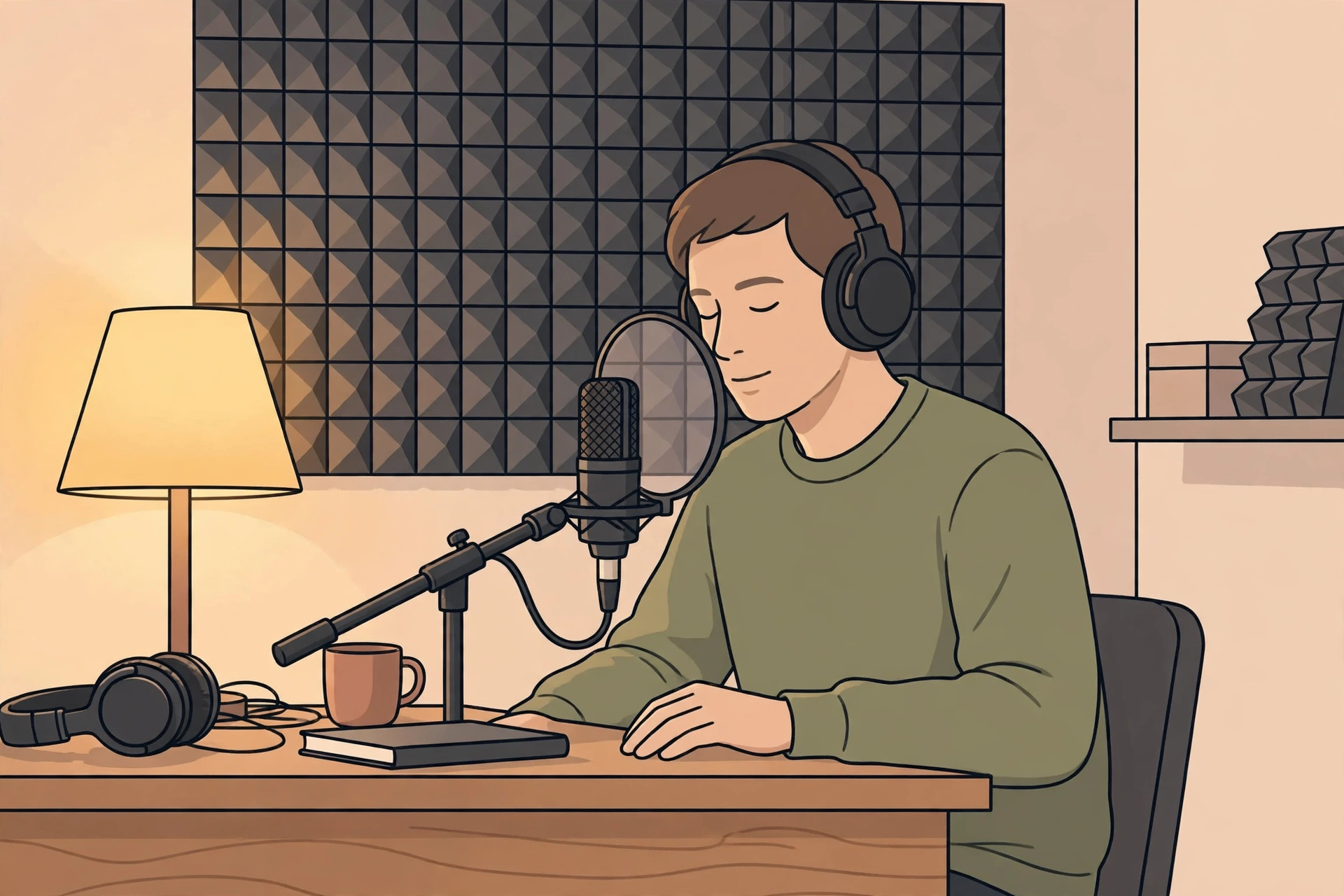
Your clone is only as good as your sample. Record in a quiet room — a bedroom with the door closed works fine. Speak the way you speak in your videos, include some emotional range (excited lines, calm lines, a question or two), and avoid background noise, music, and echo. A closet full of clothes is a surprisingly good recording booth.
Step 2: Upload and create your voice model
On SynVoice, go to the voice cloning section, upload your sample, and name your voice. Processing takes a few minutes. You'll get a personal voice model that appears in your voice list alongside the 38,000+ library voices.
Step 3: Test with a real script
Don't test with "hello, this is a test." Paste 3–4 sentences from an actual video script. Listen for: correct pronunciation of Urdu-specific sounds like the qaaf, natural handling of code-switched English words, and pacing that breathes where you would.
If something sounds off, regenerate. Small script edits (adding a comma, splitting a long sentence) fix most issues without touching the voice model.
Step 4: Generate your full voiceover
Once the test sounds like you, paste your full script and generate. Download the audio and drop it into your editor. The workflow from here is identical to any AI voiceover pipeline — for video creators, the Hinglish text-to-speech guide and the faceless YouTube voiceover guide both cover the editing side.
Step 5: Build a content system around your clone
The real payoff isn't one video — it's the system. With your clone ready:
- Batch your scripts on the weekend, generate all voiceovers at once.
- Repurpose everything: one Urdu script becomes a YouTube video, a podcast episode, and short clips — all in your voice.
- Keep your voice consistent across a team: if editors or writers produce content for your channel, they use your clone instead of a stranger's voice.
Developers can also drive the clone through SynVoice's REST API, which makes it possible to automate voiceover generation inside a content pipeline.
Getting a Clean Clone: Recording Tips That Actually Matter
The sample recording is 80% of the result. These five rules come from what consistently produces the best clones:
- Record in one session. Don't stitch together clips from different days — your voice changes with time of day, hydration, and mood.
- Stay 15–20 cm from the mic. Too close causes plosive pops on b, p, and t; too far adds room echo.
- Warm up first. Read a paragraph out loud before hitting record. Your first minute of speaking always sounds stiffer.
- Don't perform — talk. Overly dramatic reading produces a clone that sounds like it's always acting. Conversational tone clones best.
- Include your filler words. If you naturally say "toh," "yaani," or "dekhiye" in videos, include them in the sample. The clone learns your speech patterns, not just your sound.
6 Ways Creators Use Urdu Voice Cloning
- Faceless YouTube channels — publish daily in your own voice without recording daily. Check the monetization guide for YouTube's policies.
- Online courses — update individual lessons by regenerating single modules instead of re-recording.
- Audiobooks and storytelling — narrate long-form Urdu content that would take days to record manually.
- Podcasts — generate intros, outros, and ad reads without booking studio time.
- Client work and ads — deliver voiceovers faster when the talent's clone is on file (with a written agreement, per the ethics section).
- Accessibility — creators with vocal strain keep publishing without interruption.
If you're deciding between cloning and a library voice, the free Urdu text-to-speech guide covers the library-voice route — cloning wins when your personal voice is your brand.
Voice Cloning vs. Your Other Options
| Record every time | Library AI voice | Your cloned voice | |
|---|---|---|---|
| Setup effort | None | None | One sample recording |
| Per-video effort | Full recording session | Paste script, pick voice | Paste script |
| Sounds like you | Yes | No | Yes |
| Consistency | Varies (mood, health, mic) | Perfectly consistent | Perfectly consistent |
| Best for | Personal vlogs, interviews | New channels, experiments | Established personal brands |
The honest summary: if nobody knows your voice yet, a library voice from the voice library is faster. If your audience already recognizes your voice, cloning is the move.
Every new SynVoice signup gets 1 million free credits that never expire — enough to build your clone and produce real content before spending anything. Paid plans start at $3.99, with plan credits valid for 30 days. For platform comparisons, see the ElevenLabs comparison page.
Frequently Asked Questions
How much audio do I need to record to clone my Urdu voice?
The required sample length is listed on the voice cloning page. A few minutes of clean, natural speech produces a strong clone — one clean 5-minute session beats 30 minutes of noisy audio.
Will my cloned voice handle Roman Urdu and code-switching?
Yes — the clone learns your voice's sound, and the underlying engine handles the language. Write scripts the way you naturally speak and test a sample first. The code-switching tips in the Hinglish text-to-speech guide apply here too.
Is it legal to clone someone else's voice for a YouTube video?
Not without their explicit permission. Unauthorized voice cloning can violate privacy and fraud laws and will get content removed under platform policies against deceptive synthetic media. Clone only your own voice or voices you have documented consent to use.
Can I use my cloned Urdu voice in monetized videos?
Yes. YouTube's monetization policies care about content originality and value, not whether narration came from your vocal cords or your AI clone. Disclosing that you use an AI version of your own voice is good practice and keeps audience trust intact.
What if my clone doesn't sound exactly like me?
First, improve the sample — re-record in a quieter room with a more natural delivery. Second, test with scripts written in your real speaking style rather than formal written Urdu. Punctuation and sentence length affect the output more than most people expect.