
How to Make AI Voiceovers for Faceless YouTube Channels (2026 Guide)
Faceless YouTube channels — documentaries, explainers, and storytelling formats with no on-camera host — are one of the fastest-growing segments on the platform. For most creators, the bottleneck isn't visuals. It's narration: recording, re-recording, and editing voiceover takes hours per video.
A good AI text-to-speech workflow takes you from finished script to polished narration in minutes, with a consistent voice that becomes part of your channel's brand. Here's the complete workflow.

Step 1: Pick a Niche That Works With AI Narration
The niches that consistently work with AI narration share three traits: the information carries the video (explainers, documentaries, history, finance breakdowns, storytelling), visuals do the emotional work independently, and the format repeats every video so production stays predictable.
Before committing, verify three things: existing faceless channels in the niche get real views (not just uploads), the niche's advertisers are safe and legitimate (advertiser-friendliness directly affects revenue), and you can sustain the research the niche demands. Skip shock content, outrage-bait, and repurposed narration from other creators — low-effort reused content is exactly what YouTube's originality policies punish.
Step 2: Write TTS-Friendly Scripts
AI voices read your script literally, so a few adjustments make a big difference:
- Short sentences win. Keep sentences under ~25 words. TTS engines handle rhythm better in short bursts.
- Write conversationally. Contractions, simple vocabulary, natural transitions ("Here's the thing," "But then everything changed").
- Spell tricky names phonetically. If the engine mispronounces a foreign name or brand, spell it the way it sounds. Keep a running pronunciation list per series.
- Mark your pauses. Use commas, line breaks, or pause markers where a human narrator would breathe. Don't make the engine guess.
- Strip formatting. Parenthetical asides, bracketed directions, and emojis get read aloud or break flow — keep stage directions in a separate column, not in the text you paste in.
- Test one paragraph first. Paste a sample into your TTS tool and listen before generating the whole script. Fixing one habit early beats regenerating ten minutes of audio.
Write for retention regardless of the voice: hook in the first 15 seconds, an open loop before each ad-break position, no filler. AI narration can't rescue a boring script, but it makes a tight script sound professional.
Step 3: Choose Your AI Voice — Consistency Is Branding
Without a face, your voice is your brand. Viewers subscribe partly to a sound; switching voices every few videos breaks recognition. One voice per channel, full stop.
Match the voice to the niche: calm and authoritative for documentaries, clear and energetic for explainers. Test candidates on your actual script, not the demo sample. If your audience is multilingual or regional, verify language support — SynVoice offers 38,000+ premium AI voices across 100+ languages, including Urdu, Hindi, Arabic, and Punjabi, and the live demo lets you compare voices on your own text before committing.
For a voice that is unmistakably yours — one no other channel uses — voice cloning builds a custom voice from a sample. For a channel planning hundreds of videos, that's a branding asset. And always test at 1.25x speed: many viewers speed-watch, and a voice that turns robotic at higher speed will hurt retention.
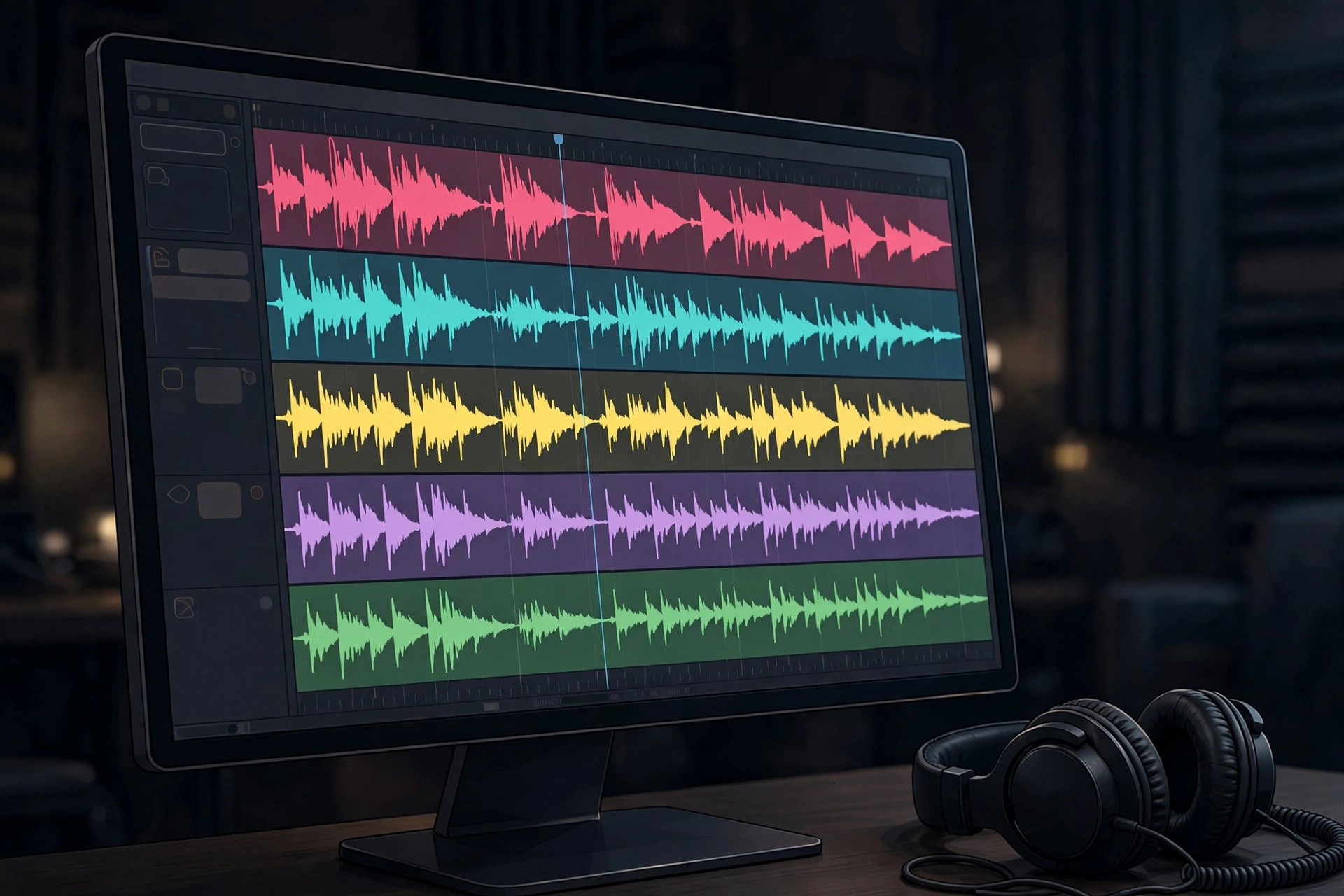
Step 4: Generate and Edit the Audio
- Generate in chunks. Paragraph by paragraph, not a 2,000-word dump. Fixing one bad section means regenerating one section.
- Normalize pacing. Listen through once; fix rushed lines, odd pauses, and mispronunciations in the script (add a comma, respell, split the sentence) and regenerate just that chunk.
- Light processing only. Trim silence, normalize loudness to YouTube standards, gentle noise gate if needed. Over-processing makes synthetic voices sound worse.
- Add music and sound design. A background bed kept low (around −20 dB under the voice), plus risers and transitions at section breaks, adds enormous production value. Keep a consistent sonic palette per series.
- Export clean. WAV or high-bitrate MP3 before mixing — quality loss compounds through YouTube's own compression.
Step 5: Pair Narration With Visuals
Two proven approaches:
Stock footage (Pexels, Pixabay, paid libraries) — fast, realistic, best where real imagery exists. Avoid the generic look with aggressive pacing: a new visual every 4–7 seconds, plus consistent color grading.
AI-generated images/video — slower per asset but gives you exactly the scene your script describes. Best for history, storytelling, and reconstructions. Keep one consistent art style across the channel.
Either way: lay the finished voiceover on the timeline first, then cut visuals to its beats. Every sentence deserves something on screen. A slow zoom over a static image beats a static image every time. Add text overlays for key names, dates, and figures, and correct auto-captions — captions are a retention and accessibility win.
Step 6: Editing and Upload Pipeline
A repeatable order keeps production sustainable: script → TTS-check one paragraph → generate voiceover in chunks → assemble narration on the timeline → cut visuals to beats → sound design → captions, overlays, grade, thumbnail → export and upload with optimized title, description (timestamps), tags, end screens, and a pinned comment.
Batch each stage separately: write four scripts, generate four voiceovers, edit two videos per week. That's far faster than taking one video from zero to uploaded in a sitting. On uploads, titles carry the click, thumbnails carry the curiosity, the first 30 seconds carry retention — spend effort accordingly. One good video a week beats four rushed ones.
Step 7: Stay Consistent — The Boring Part That Wins
- Template everything repeatable: intros, caption styles, thumbnail layouts, description blocks. Each video should start 40% done.
- Protect the trio: one voice, one visual style, one upload rhythm. The audience subscribes to a predictable experience.
- Follow the data. After 10–15 videos, analytics will show which topics, titles, and lengths retain viewers. Double down on what works.
- Keep costs predictable. AI voiceover is cheap per video but scales with output. SynVoice plans start at $3.99 with a free trial for testing the full workflow first. Comparing tools? Famespeak offers an unlimited free tier on a basic browser engine, a ~$5/3M-character paid tier, and no public API — fine for early experiments, but compare voice quality and consistency features before building a channel's brand on any tool. See our Famespeak alternative comparison for the full breakdown.
A Quick, Honest Note on Monetization
YouTube's Partner Program rewards original, value-add content — original scripting, real research, edited visuals, commentary that transforms the material. What gets rejected is low-effort, repetitive, or reused content with narration slapped on top. The deciding factor isn't whether the voice is AI; it's whether the video adds something. Build to that bar from video one and monetization becomes a milestone, not a gamble.
The Faceless YouTube AI Voiceover Checklist
- [ ] Niche validated: information-led, visual-friendly, advertiser-safe
- [ ] Repeatable video format defined
- [ ] Script in short, conversational sentences; phonetic spellings and pause markers placed
- [ ] One signature voice chosen and tested on a real script (browse the AI voice library)
- [ ] Voiceover generated in chunks, pacing fixed, lightly processed
- [ ] Music and SFX added at low, consistent levels
- [ ] Visuals cut to narration beats (new visual every 4–7 seconds)
- [ ] Captions, overlays, grade, thumbnail done
- [ ] Title, description, tags, end screens optimized
- [ ] Sustainable upload schedule with batch production in place
Frequently Asked Questions
Can I monetize a faceless channel that uses AI voiceover?
Yes. Monetization depends on originality, not on whether the voice is human. Channels get approved for original value-add content — original scripts, real research, edited visuals. They get rejected for reused or repetitive content. Check YouTube's current Partner Program terms before building.
Will viewers know the voice is AI? Does it matter?
Modern AI voices are close enough that most viewers won't notice or care. What they react to is bad pacing, monotone delivery, and mispronunciations — script and editing problems, not voice problems.
How do I keep the same voice across hundreds of videos?
Use one fixed voice profile per channel and save the exact settings (voice ID, speed, pitch) in your production template. For a signature voice no other channel can copy, voice cloning creates a custom voice from a sample.
What's the cheapest way to start?
Use a free trial to validate the whole workflow before paying — SynVoice plans start at $3.99. Some competitors offer unlimited free tiers on basic engines for early experiments; compare voice quality before committing a channel's brand to one.
How long should faceless videos be?
8–15 minutes is the sweet spot for most documentary, explainer, and storytelling formats — long enough for mid-roll ads, short enough to hold retention. Publish a few lengths, compare average view duration, and standardize on what your audience finishes.