How to Start a Podcast with AI Voices (No Mic Needed)
The biggest reason people never start a podcast isn't a lack of ideas — it's the microphone. Buying gear, finding a quiet room, then editing out every "um" and background noise: the barrier feels enormous. AI text-to-speech removes all of it. Script an episode, generate studio-quality narration with AI voices, edit it like a document, and publish to Spotify and YouTube — without ever recording a take.
This guide walks through the complete workflow for making an AI podcast with text to speech: writing scripts that sound good spoken aloud, using multiple AI voices for conversations, editing for flow, and publishing everywhere your listeners are.
Why AI Voices Work So Well for Podcasts
A podcast is, at its core, words turned into audio — one of the most natural use cases for text-to-speech. If you can write your episode, you can produce it: no studio, no retakes, no post-production surgery on bad audio.
- No recording sessions. When the script is right, the audio is right.
- Consistency across episodes. Your "voice" never has a cold and never changes between episode 1 and episode 50.
- Cheap to revise. A fact that needs correcting in episode 3 is one regenerated paragraph, not a re-recorded segment.
- Multi-voice shows are easy. Assign a distinct AI voice to each speaker and the listener always knows who's talking.
The one honest limitation: AI-generated narration should be disclosed where platforms ask for it. YouTube and Spotify both have policies around AI-generated content, so check their current disclosure requirements before publishing.
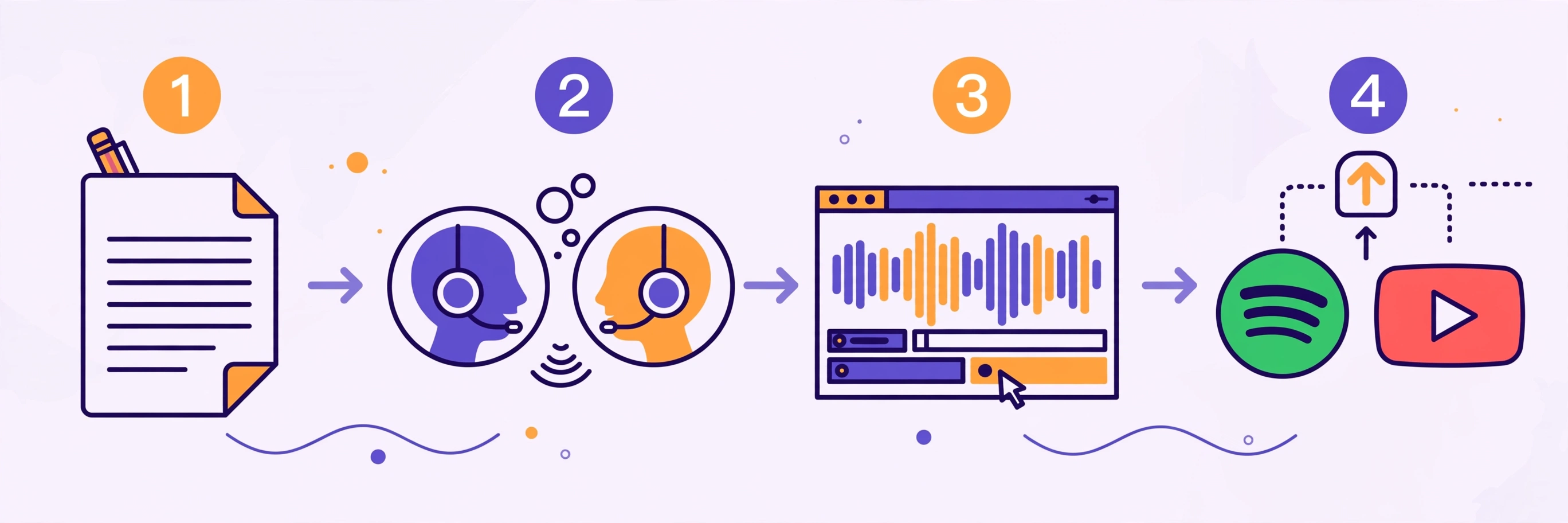
Step 1: Script for the Ear, Not the Eye
This is the step that separates podcasts that sound natural from ones that sound robotic. Written prose and spoken audio are different mediums.
Write conversationally. Use contractions and short sentences. Read your script aloud as you write — if you stumble, the AI voice probably will too.
Mark your speakers. If your show has a host and a guest, label every line (HOST: / GUEST:) so assembly is straightforward later.
Write out everything that's spoken. "2024" might be spoken as "twenty twenty-four" or "two thousand twenty-four" — write the version you want to hear. Replace "$50" with "fifty dollars" if that's how you'd say it.
Pace with punctuation. Commas and periods create pauses; use ellipses or line breaks for longer ones. Think of punctuation as stage directions for the AI voice.
Plan your episode structure. A simple format that works: cold open (30-second hook) → intro → segment 1 → segment 2 → recap and call to action. Aim for 800–1,000 words per 7–8 minutes of audio — a 20-minute episode is roughly 2,500 words.
Step 2: Generate the Audio with Multiple AI Voices
Once your script is ready, it's time to turn text into speech. SynVoice is built exactly for this: an AI text-to-speech studio with a live demo you can try before signing up, and a library of 38,000+ premium AI voices at synvoice.io/voices.
Pick voices that fit your format. For a solo show, one voice becomes your show's identity. For interviews or co-hosted shows, assign a distinct voice per speaker.
Test voices with the live demo first. Paste a real paragraph from your script — not lorem ipsum — and listen to how the voice handles your sentences and pacing. What sounds good on a sample line may not carry a 20-minute episode.
Generate in chunks. Generate section by section rather than the whole episode at once — easier to spot pronunciation or pacing issues, and you can iterate on one segment without regenerating everything.
Language matters for your audience. Voice quality in your language is what counts. SynVoice supports 100+ languages including Urdu, Hindi, Arabic, Punjabi, and Bengali, so a bilingual or regional-language podcast gets natural-sounding narration. See also Urdu text-to-speech.
Step 3: Edit Like an Audio Producer
Here's where AI podcast production is genuinely easier than traditional recording: you're editing audio generated from a document you control.
Fix the script, not the waveform. A mispronounced word or factual error is a text edit plus one regeneration — you never have to "punch in" a fix and match room tone.
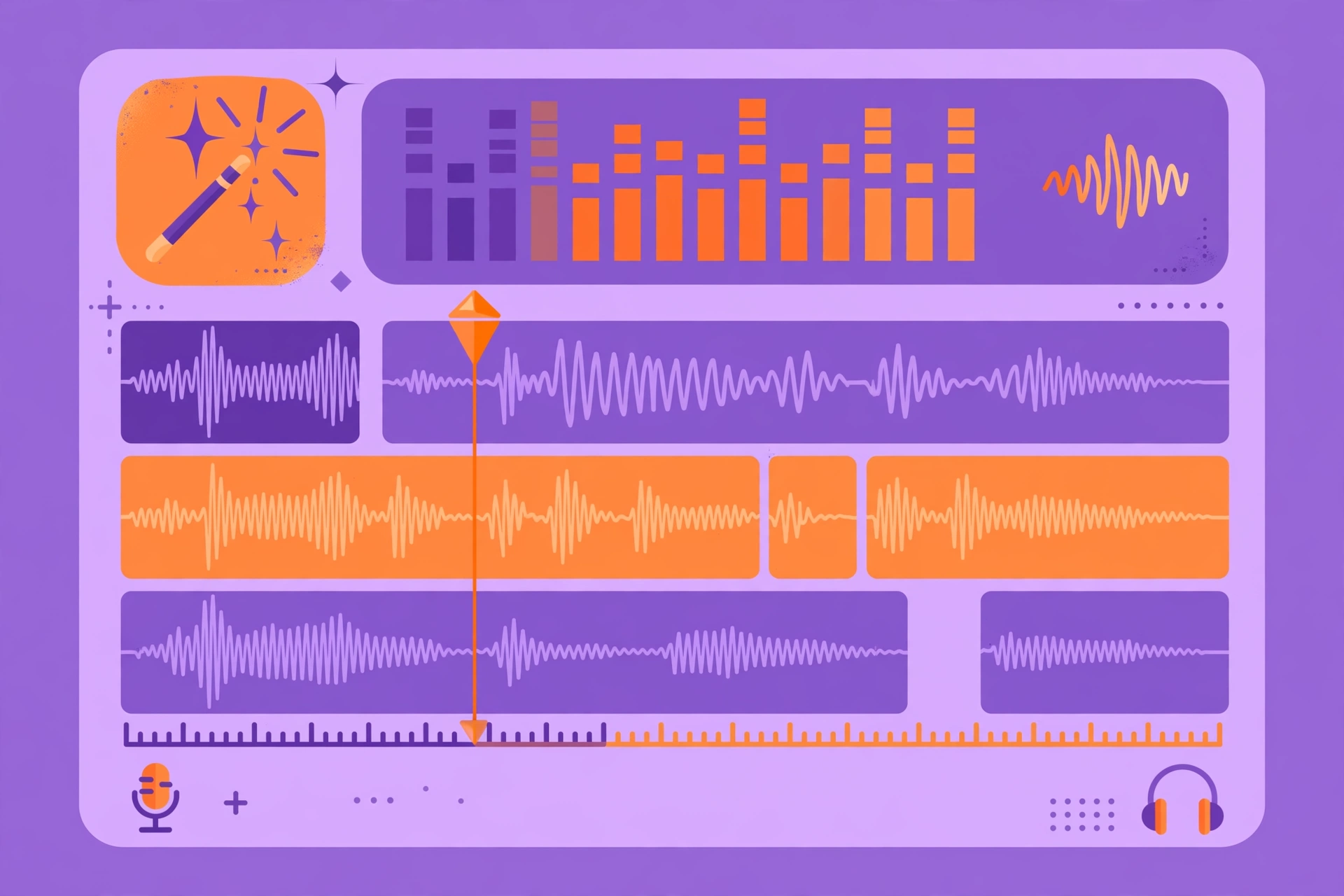
Assemble and polish. Import your generated segments into an editor (Audacity is free) and:
- Trim the gaps — keep natural breaths, remove long dead air.
- Add music and branding — a short intro/outro bed from a royalty-free library (Pixabay, YouTube Audio Library) instantly sounds professional.
- Level everything — normalize segments to the same loudness.
- Export correctly — MP3 at 128 kbps is the podcast standard.
Quality-check with fresh ears. Listen to the full episode start to finish the next day — you'll catch pacing problems that felt fine while deep in the script.
Step 4: Add the Human Touches That Matter
AI voices do the narration, but a few small choices make the show feel crafted rather than generated.
- Consistent voice casting. Don't swap your host's voice between episodes. Listeners bond with voices the same way they bond with hosts.
- Sound design. Subtle ambient sounds — a page turn, a soft transition whoosh between segments — add production value that text-to-speech alone can't provide.
- A real cold open. Take your best 30 seconds from the middle of the episode and put it at the top — it works for traditional and AI podcasts alike.
- Show notes. Publish written show notes with timestamps and key quotes for every episode. They help discovery (search engines index text, not audio) and give listeners a reason to visit your site.
If you're also making video content, this workflow pairs well with faceless video formats — the same script-and-AI-voice pipeline powers both. See AI voiceover for faceless YouTube and how creators monetize AI voiceover on YouTube.
Step 5: Publish to Spotify, Apple Podcasts, and YouTube
A podcast isn't published until it's on the platforms. Here's the distribution path:
Audio platforms (Spotify, Apple Podcasts). These work through RSS feeds, so you need a podcast hosting service — Spotify for Creators (free), Buzzsprout, Podbean, or Transistor. The flow is:
- Create an account on your chosen host.
- Upload your MP3, add title, description, episode art, and show notes.
- The host generates your RSS feed.
- Submit that feed once to Spotify and Apple Podcasts (they'll walk you through it — it takes a few days for approval).
- Every future episode you upload is distributed automatically.
YouTube. YouTube doesn't take audio-only uploads, so convert your episode into a video: a static branded image or a simple audiogram — a waveform animation over your cover art (free tools like Headliner make these). Many podcasters find YouTube becomes their biggest discovery channel.
Episode art. Every episode needs square cover art (1400×1400 or 3000×3000 px). Keep a template with your show branding and swap the episode title and number — it takes minutes per episode once the template exists.
How Much Does an AI Podcast Cost to Run?
Your main costs are voice generation and hosting. Hosting starts at free (Spotify for Creators). For voices: plans start at $3.99, and every new signup gets 1 million free welcome credits that never expire — no credit card required to try the live demo. Paid-plan credits are valid for 30 days; the welcome credits are yours indefinitely, so there's no rush to use them.
A 20-minute weekly episode (roughly 2,500 words) fits comfortably within the free welcome credits while you're getting started — you can launch your first several episodes and validate the format before spending anything.
For creators who want to experiment first, voice cloning is also available — some podcasters clone their own voice so the show sounds like them without recording sessions. Whether that's the right call depends on how central your personal voice is to your brand.
Frequently Asked Questions
Can I start a podcast without a microphone?
Yes. With AI text-to-speech, you write your episode as a script and generate the narration with AI voices — no recording equipment, no studio, and no retakes. The script is the entire production.
Do I need to disclose that my podcast uses AI voices?
Check the current policies of each platform you publish to. YouTube and Spotify have rules around AI-generated content in certain contexts, and requirements change. Being transparent about AI narration in your show description is good practice regardless.
How do I make a multi-voice or interview-style AI podcast?
Assign a different AI voice to each speaker in your script and generate each speaker's lines separately. Label every line with the speaker's name so the assembly is straightforward, and keep the same voice for each role across all episodes.
How long does it take to produce an AI podcast episode?
A 20-minute episode typically takes a few hours: scripting (the bulk of the time), voice generation in chunks, light editing, and publishing. It's meaningfully faster than the record-edit-re-record cycle of a traditional podcast.
Which is better for podcast narration: AI voices or recording myself?
It depends on your goals. Recording yourself is best when your personal voice is the brand. AI voices are better when you want consistency across many episodes, multiple languages, or you simply don't want to record. Many successful AI podcasts use one consistent AI voice as their show's identity.