Want your app to talk? A text to speech API turns any application — a learning app, a chatbot, an IVR system, a game — into something that speaks naturally. This 2026 guide explains how TTS APIs work, what they cost, and how to integrate one in an afternoon.
Key Takeaways
- A TTS API converts text to audio via a simple HTTP request — no ML expertise needed.
- Free tiers are generous (Google: 4M chars/month); paid usage is per-character or per-minute.
- Basic integration takes an afternoon; voice quality varies hugely between providers.
- Cache generated audio — regenerating the same phrases wastes money.
How a Text to Speech API Works
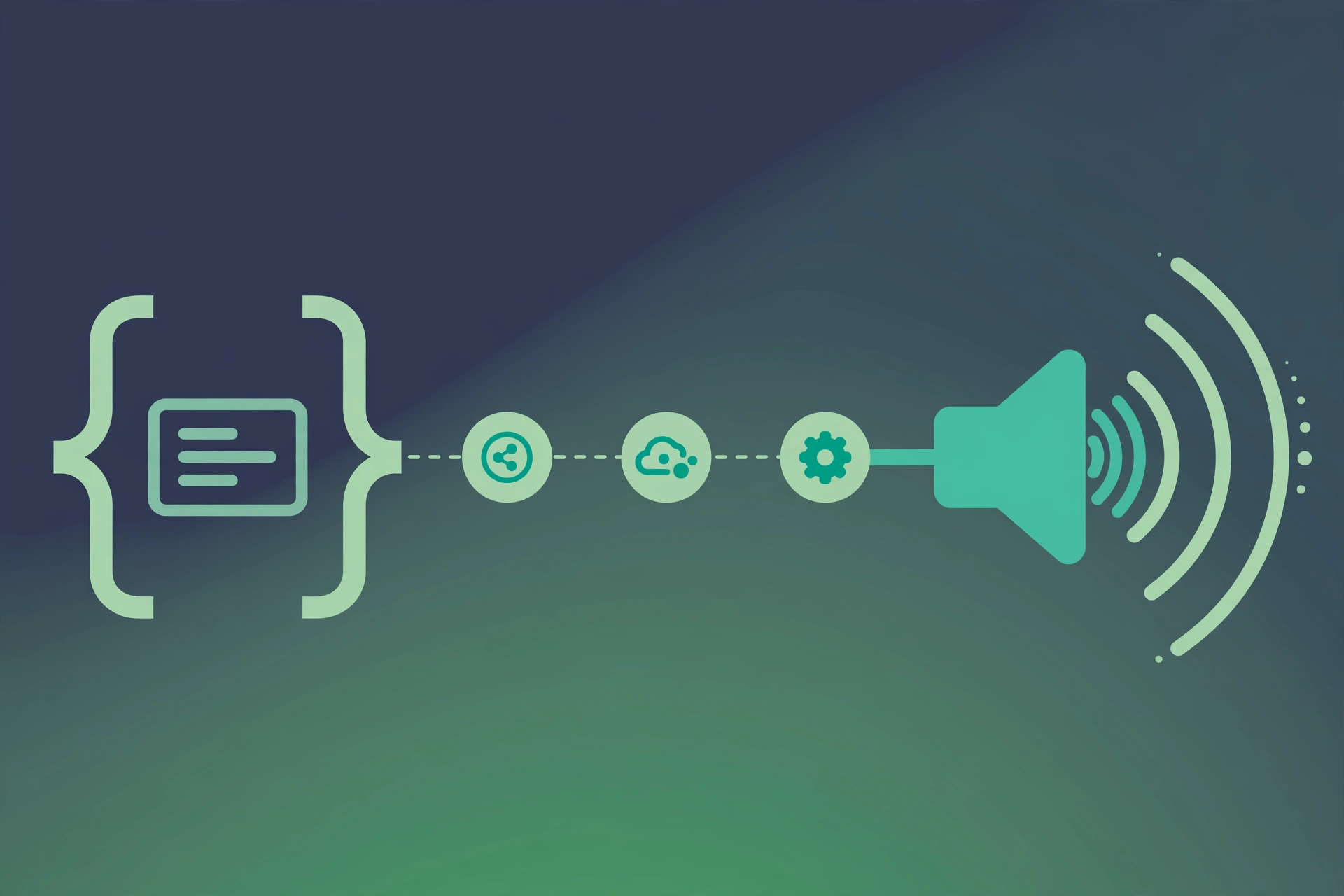
The flow is simple: 1. Your app sends text (plus voice, language and speed options) to the API endpoint. 2. The provider's neural models synthesize speech. 3. You get back an audio file URL or binary MP3/WAV. Most APIs are RESTful with SDKs for Python, Node.js and other languages.
Popular TTS APIs Compared (2026)
| Provider | Free Tier | Paid From | Voice Quality | Best For |
|---|---|---|---|---|
| Google Cloud TTS | 4M chars/mo | Pay as you go | Very good | Scale + reliability |
| Microsoft Azure | Generous | Pay as you go | Excellent | Enterprise |
| ElevenLabs | ~10 min/mo | ~$5/mo | Best in class | Realism |
| Play.ht | Trial | ~$9/mo | Excellent | Expressive apps |
| SynVoice API | Free credits | Low tiers | Very good | Creators + regional |
Pricing is indicative for 2026 — verify current rates before budgeting.
Integration in an Afternoon
Step 1: Get an API Key
Sign up with your chosen provider and generate an API key from the dashboard. Store it in environment variables, never in client-side code.
Step 2: Make Your First Call
Most APIs need just a POST with your key, the text, and a voice ID. Test with a short sentence first and save the returned audio.
Step 3: Handle the Audio
Decide: stream it, save to cloud storage, or cache it. For repeated phrases (greetings, confirmations), always cache — it cuts costs and latency to zero.
Step 4: Production Touches
Add retries with backoff, timeout handling, SSML for pronunciation control, and usage monitoring so a bug can't burn your budget overnight.
Common Pitfalls
No caching (paying to regenerate "hello" a million times), hardcoded keys in frontend code, ignoring character billing on SSML tags, and picking voices from demos instead of testing with your app's actual phrases.
Frequently Asked Questions
What is a text to speech API?
A text to speech API is a web service that converts text into spoken audio programmatically. You send text via an HTTP request and receive an MP3 or WAV file — letting any app, website or bot speak.
Is there a free text to speech API?
Yes. Google Cloud TTS offers up to 4 million characters per month free, Microsoft Azure has a generous free tier, and several AI voice platforms include free API credits for testing.
How much does a TTS API cost?
Pricing is usually per character or per minute. Entry tiers run $5-20/month; high-volume usage can reach hundreds monthly. Neural/premium voices cost more than standard ones.
How long does TTS API integration take?
A basic integration — API key, one HTTP call, save the audio file — takes an afternoon. Production hardening (caching, retries, voice selection UI) takes longer.
Which TTS API has the best voices?
ElevenLabs and Play.ht lead on raw voice quality; Google and Microsoft lead on reliability, language coverage and price. For South Asian languages, check each provider's voice list carefully.
API Pricing Math: A Worked Example
Say your app serves 10,000 users who each hear 500 characters daily. That's 5M characters/day, 150M/month. At $15 per million characters (typical neural pricing), you're paying $2,250/month. Cut that with caching (repeat phrases generated once): most apps find 40-70% of requests are repeats. Suddenly it's $700-1,350. Choose standard voices for bulk content and neural only where quality matters — mixed strategies routinely halve bills.
Caching Strategy Deep-Dive
Cache key = hash(text + voice_id + speed + format). Store in S3/R2 with long TTLs. Pre-generate common phrases at deploy time. Normalize text before hashing ("Hello!" vs "hello" shouldn't double-bill you). Set budget alerts at 50%, 80% and 100% of expected spend — a runaway loop generating audio is the classic TTS horror story.
Try It Yourself: Your First Voiceover in 3 Steps
Reading about AI voices is one thing — hearing your own words spoken is another. Here is the fastest way to try it free on SynVoice.io:
Step 1: Paste your text. Grab any script you already have — a video intro, a product description, a chapter of your book. Even 2-3 sentences is enough for a first test. Write numbers and abbreviations the way you want them spoken.
Step 2: Pick the voice your app will use. Preview 3-4 voices with the same sentence — comparing identical text is the only fair test. For most content, a medium-paced conversational voice beats both extremes.
Step 3: Generate and download. Hit generate, listen once at normal speed, and download the MP3. Drop it into your editor and you are done — total time under 3 minutes.
Pro tip: your first generation is a draft, not a final. Note what bothers you (a rushed sentence, a flat word), tweak the text with a comma or rephrase, and regenerate. Two quick iterations beat one long session of fiddling with settings.
Related Guides
- AI Voice Generator Pricing Explained: How Credits Actually Work
- How to Write YouTube Scripts That AI Voices Read Naturally
- AI Voiceover for Online Courses: Turn Lessons into Audio
Give your app a voice: SynVoice.io offers developer-friendly AI voice generation with natural voices across English, Urdu, Hindi and more — start with free credits.