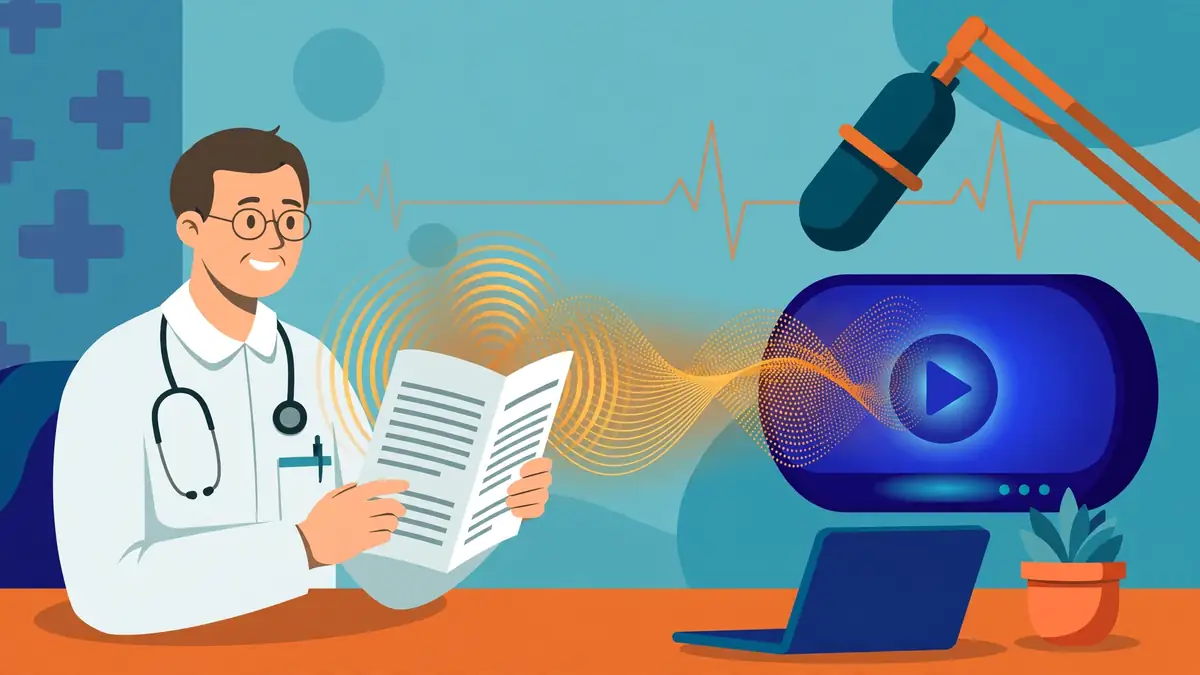
TL;DR: Text to podcast turns patient handouts into audio patients can listen to at home — while cooking, commuting, or resting after a visit. Pick content that explains rather than shows, use plain language, choose a clear AI voice, keep episodes under 10 minutes, and share them via your patient portal or a QR code. Never include patient information.
Every doctor knows the frustration: you explain a diagnosis carefully, hand the patient a printed leaflet, and a week later they are back having done none of it — not because they did not care, but because they did not understand or remember. Research consistently finds patients forget a large share of what they are told in a consultation, and a printed leaflet often goes unread. Listening is different: a patient can listen at home, replay the tricky part, and hear the instructions in plain language at their own pace. That is why text to podcast has become a practical tool for doctors: it turns the patient information you already wrote into audio your patients can actually finish.
Here is how it works, which patient content converts best, and how to share episodes safely.
What Is Text to Podcast for Doctors?
Definition: Text to podcast is the process of converting written text into a spoken audio episode using text-to-speech (TTS) or AI voice technology, so the content can be listened to like a podcast instead of read like a document.
For doctors, a patient leaflet, post-visit instruction sheet, or condition explainer becomes an MP3 or podcast episode: paste in the text, pick a voice, adjust the speed, download the audio. Some tools read text exactly as written; better ones let you control pauses, emphasis, and pronunciation, so the result sounds like a doctor explaining something — not a robot reading a page aloud.
It is not the same as recording yourself: a recorded message takes as long to record as to deliver, plus editing time. Text to podcast turns an existing handout into audio in minutes, and a mistake means fixing one sentence and regenerating — never re-recording the whole thing. Our guide to turning text into podcasts for businesses covers the same workflow from a corporate training angle, and much of it applies to a clinic.
Why Should Doctors Turn Patient Information Into Audio?
The strongest reason is simple: patients remember audio better than a leaflet they never read. A two-page instruction sheet looks like paperwork; the same material as a six-minute episode feels like a conversation — and patients can listen with a family member, which matters when the person managing medication at home was not in the consultation room.
Audio also helps patients who struggle with reading: people with low health literacy, older patients, and patients reading in a second language can access the same information as everyone else when it is spoken aloud. A patient who reads slowly is not a patient who understands slowly — audio removes the reading barrier.
There is a practical benefit for the clinic too: patients who understand their instructions follow them better — they take medication correctly, turn up prepared for procedures, and call with fewer basic questions. A small library of audio explainers, one per common condition or procedure, answers the same questions your reception team answers every day — including at midnight, when the patient is actually worrying.
It cannot replace the consultation, but as a way of getting information into patients' ears after they leave the room, it is hard to beat.
Which Patient Content Works Best as Audio?
Not every handout belongs in audio. The best candidates explain, reassure, or repeat something worth remembering: what a condition is, how to take a medication, how to prepare for a procedure, and what to expect during recovery. A calm explanation of what happens before a colonoscopy is almost better heard than read — the sequence of steps matters more than the layout of the page.
Content depending on diagrams, images, or spatial detail converts badly: an anatomy diagram, a wound-care photo guide, or a form the patient must fill in will frustrate listeners, because audio cannot show. The same goes for consent forms and anything the patient must sign — those stay on paper.
A practical rule: if information works spoken aloud in the consultation room, it works as a podcast. If you would normally point at a picture or chart while explaining, keep it in print — or turn only the spoken explanation into audio and hand over the picture separately.
| Patient content | Audio fit | Best approach |
|---|---|---|
| What a condition is | Excellent | Convert the full text; use plain language |
| Medication instructions | Very good | Read doses slowly; repeat key timings twice |
| Preparing for a procedure | Excellent | One episode per stage: before, during, after |
| Recovery and aftercare | Excellent | Keep it short; one topic per episode |
| Anatomy or wound-care images | Poor | Keep in print; record only the explanation |
| Consent forms / forms to sign | Poor | Audio as a walkthrough, never a replacement |
How Do You Turn a Patient Handout Into a Podcast?
The process is short — the same five steps for almost every handout. Budget an hour the first time; by the third episode, most doctors finish in twenty.
- Pick one handout and rewrite it for the ear. Remove anything that only makes sense on paper: "see figure 2", reference numbers, dense paragraphs. Replace jargon with plain words — "high blood pressure" instead of "hypertension" — and define any term you must keep.
- Split it into spoken chunks. Break long paragraphs into two or three short ones. Add a one-sentence introduction ("In this episode, we explain how to prepare for your blood test") and a recap at the end.
- Choose a voice and a pace. Pick a clear, calm voice and set the speed slightly slower than normal speech, especially for older patients. Test thirty seconds before generating the whole episode.
- Generate and listen. Generate the audio, then listen to it once. Fix mispronounced drug names and regenerate that section if your tool allows it.
- Share it where patients already are. Use your patient portal, a QR code printed on the handout, or a link sent by SMS or WhatsApp after the visit. Name the file clearly: condition, topic, and date.
The step doctors skip most is listening to the whole episode. An AI voice will mispronounce a drug name or medical term somewhere in every long text — catch it before your patients hear it. A wrong dose spoken confidently is worse than no audio at all.
What Does a Good Medical AI Voice Sound Like?
Definition: Health literacy is a person's ability to find, understand, and use health information to make decisions about their care — and it has little to do with general intelligence or education.
A good medical voice is not the most dramatic or most realistic one — it is the clearest. Patients listen while doing other things, often through a phone speaker, so clarity beats character. Look for steady pacing, clear consonants, and natural pauses; a voice that rushes sounds efficient and teaches nothing.
Tone matters too: a warm, calm voice reassures better than a flat, fast one, especially when the topic is frightening — a diagnosis, a procedure, a new medication. A small speed reduction, around 0.9× to 0.95×, is often the single biggest improvement you can make.
Pronunciation is the third test: check how the voice handles the drug names and medical terms in your subject. Some tools let you add a pronunciation guide for tricky words — use it, and check dose numbers twice: an AI voice reading "10 mg" as "100 mg" is a patient-safety problem, not a typo. Authors face the same problem with names, as our guide to text to podcast for authors explains, and the fix is the same: test the hard words first.
If your patients speak more than one language, check the tool offers voices in each one — one tool covering English, Urdu, and other community languages saves learning a new platform per patient group. Our guide to text to speech for medical patients covers accessibility and language options in more depth.
How Long Should a Patient Podcast Be?
Shorter than you think: patients finish short episodes and abandon long ones. A single topic rarely needs more than ten minutes, and most subjects are better as two six-minute episodes than one twelve-minute block.
| Episode length | What it suits | Completion |
|---|---|---|
| Under 5 minutes | One instruction, a medication reminder, a quick recap | Very high — patients replay these |
| 5–10 minutes | A single topic, a procedure explainer | High — the sweet spot for most content |
| 10–15 minutes | A full condition guide with introduction and recap | Good — best for motivated patients |
| 15–25 minutes | A complete pre-procedure guide | Mixed — works for anxious patients preparing carefully |
One idea per episode is the rule: three ideas means three episodes, so patients can listen to exactly the part they need. Name them well: "Diabetes — Part 1: Your Medication" will be found and finished far more often than "Patient Information 12".
What Tools Do Doctors Use to Make Patient Podcasts?
Four realistic options exist; the right one depends on your budget, time, and how much control you want over the voice.
| Option | Cost | Voice quality | Best for |
|---|---|---|---|
| SynVoice text to podcast | Free tier available; paid plans for longer audio | Natural AI voices, adjustable speed and pauses | Clinics that want polished episodes fast |
| ElevenLabs | Free tier available; paid plans scale with usage | Very natural, with voice cloning options | Clinics that want a custom or cloned voice |
| Murf AI | Paid plans; limited free trial | Clear studio-style voices, good for narration | Practices producing a lot of content |
A dedicated text-to-podcast tool like SynVoice is usually fastest: paste the handout, pick a voice, download the episode. General platforms like ElevenLabs and Murf offer more voices and finer control, which matters if you produce audio weekly. Recording yourself costs nothing and patients trust a familiar voice, but a ten-minute episode takes at least ten minutes to record, plus editing.
Before committing, check three things: can you download the audio as an MP3 you own, can you fix one mispronounced drug name without regenerating the whole episode, and does the tool keep your text private? Free tools that keep your content or lock audio in their app are a bad deal for a clinic. For a broader look at spoken patient education, see our guide to voiceover for healthcare patient education.
Most tools offer a free tier covering a few short episodes a month — enough to start — and paid plans are monthly subscriptions scaling with how much audio you generate, so check whether your hospital or practice group already holds a licence before buying one.
How Do You Share Patient Podcasts Safely?
Making the audio is half the job; getting patients to press play — safely — is the other half. Post the episode where patients already look: your patient portal, a QR code on the handout, or a link sent by SMS or WhatsApp after the visit. A link buried three clicks deep in a portal patients never open will get zero plays, however good the episode is.
Privacy comes first: patient podcasts must contain general educational information only — never a specific patient's details, results, or treatment plan. Never paste identifiable patient information into a voice tool: write the episode from a generic handout, not from a patient's notes. Check your clinic's policy and local data rules before you start, and keep audio files on systems your practice already trusts.
Add a short spoken disclaimer at the start of each episode: this audio is general information, not personal medical advice, and patients should contact the clinic with questions about their own care. Name each episode clearly — condition, topic, episode number — and add one sentence saying when to listen: "Listen before your appointment on Thursday" or "Listen after your procedure".
What Mistakes Should Doctors Avoid?
The most common mistake is converting a handout word for word without editing it for the ear. Written and spoken language differ: a sentence that reads beautifully can sound exhausting aloud. Shorten sentences, cut jargon, and replace "as can be seen in the table below" with the actual information — patients cannot see the table.
The second is episodes too long: doctors want to cover everything, and the result is a twenty-minute episode nobody finishes. Cut ruthlessly — non-essential points belong in the handout, not the audio.
The third is skipping the listen-through: an AI voice will mispronounce something in every long text, and one wrong drug name in the first minute tells patients the episode was not checked. Worse, a misspoken dose is a safety issue — listen to the numbers, not just the words.
Finally, privacy: never put a real patient's information into a voice tool, and never let an episode sound like personal advice to one person. General information, clearly labelled, with a route back to the clinic for personal questions — that is the line.
Frequently Asked Questions
How long does it take to turn a patient handout into a podcast?
About an hour for your first episode, including editing and listening to the finished audio. Once you know the workflow, a ten-minute episode takes about twenty.
Do patients actually listen to audio health information?
Yes, when episodes are short and easy to find — clinics report higher use for audio than for the same material in print, especially for procedure preparation and medication instructions. Keep episodes under ten minutes and share them where patients look, with a clear reason.
Is text to podcast free for doctors?
Most tools offer a free tier covering a few short episodes a month — enough to start. Paid plans are monthly subscriptions scaling with how much audio you generate. Check whether your hospital or practice group already holds a licence first.
Can I use text to podcast for patients with low literacy?
Yes — one of its best uses. Audio removes the reading barrier, so patients with low health literacy access the same information as everyone else. Pair the audio with the written handout so family members can follow along, and let patients control playback speed.
What is the best voice for a patient podcast?
A clear, calm voice with steady pacing and natural pauses — clarity matters more than realism, because patients often listen through a phone speaker while doing something else. Test the voice on your drug names and medical terms before generating a full episode.
Is patient audio a substitute for medical advice?
No. A podcast is general information, not personal medical advice, and it cannot answer questions about an individual patient. Always include a spoken disclaimer and a route back to the clinic for questions about their own care.
How do I share a patient podcast safely?
Share general educational audio only — never a specific patient's details. Use your patient portal, a QR code on the handout, or a link sent after the visit. Name each episode clearly, add one sentence saying when to listen, and keep audio on systems your practice already trusts.