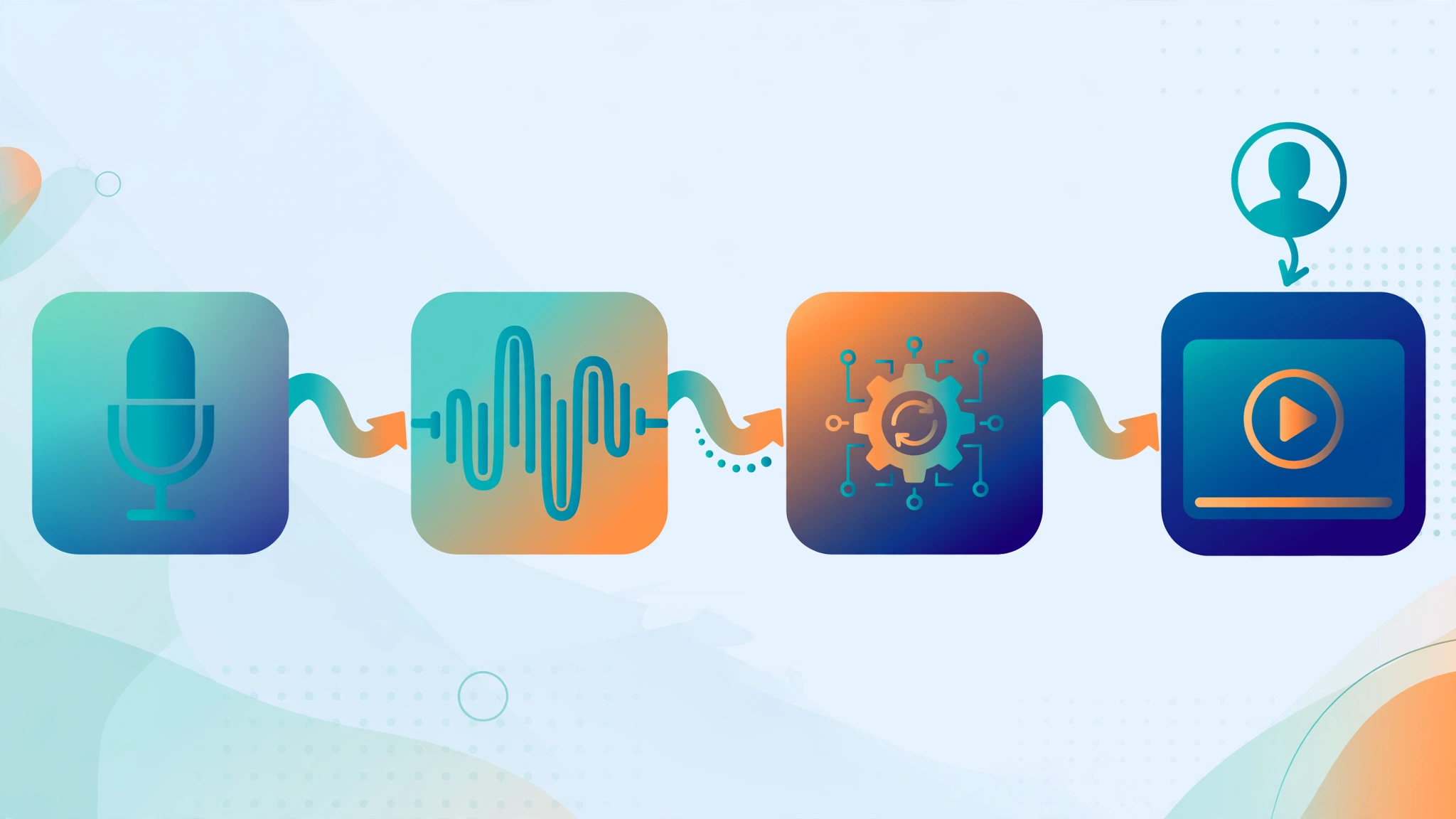
Running a YouTube automation channel — publishing on a consistent schedule without ever appearing on camera — has become one of the most talked-about online business models of recent years. Yet the single factor separating watchable automation channels from abandoned ones is the voice. Audiences forgive stock footage, simple animations, even rough editing. They rarely forgive narration that sounds robotic or disconnected from the script. That is where modern AI voiceover fits in: today's text-to-speech engines generate natural narration in dozens of languages within minutes, at a fraction of a voice actor's cost. In this guide: which voices and tools are worth your money, realistic budgets, staying monetizable, the best-track-record niches, and a workflow for consistent publishing at scale.
TL;DR: AI voiceover makes YouTube automation practical: modern text-to-speech sounds natural enough for faceless channels, monthly costs typically stay under $100, and YouTube allows monetization of AI-narrated videos as long as the content is original and synthetic audio is disclosed. Pick your niche first, then match the voice to it.
What Is YouTube Automation and How Does AI Voiceover Fit In?
Definition: YouTube automation is a business model where a channel produces videos through a repeatable, often outsourced or software-assisted pipeline — researched, scripted, voiced, edited, and published on a schedule — without the owner appearing on camera.
The name is slightly misleading: very few successful channels are fully automated. In practice, "automation" means systematizing the repetitive parts of video production so that a small operation can output several polished videos per week. A typical pipeline runs: topic research, scriptwriting, voiceover, visuals, editing, thumbnails, publishing, and analytics. AI voiceover replaces the recording step entirely. The advantages are speed (a ten-minute narration renders in minutes), cost (a flat subscription instead of per-minute talent fees), consistency (the same voice across hundreds of videos builds brand recognition), and reach (regenerate scripts in other languages for new channels). If you are still deciding whether a faceless format suits you, our guide on AI voiceover for faceless YouTube channels walks through the format choices in more detail.
Can a Faceless Channel With AI Voiceover Get Monetized?
Yes — but the voice itself is the least important part of that answer. YouTube's Partner Program does not ban AI-generated narration outright. What it does enforce strictly are its reused content and originality policies. A channel that uploads thin, templated slideshows with a robotic voice reading scraped articles will struggle to get approved for monetization, and may see videos removed. A channel that uses AI voiceover to deliver genuinely original commentary, research, or storytelling stands on much firmer ground. Two rules matter. First, add real value: original analysis, curated research, or a distinctive angle — YouTube rewards content that clearly involved human judgment, even with a synthetic voice. Second, disclose synthetic media where required, particularly realistic depictions of people, places, or events; a brief note in your description that narration was AI-generated is a transparent habit that costs nothing. Failing channels are rarely punished for the voice; they fail because the content was lazy. Treat AI voice as a production tool, not a content strategy.
How Much Does a Faceless YouTube Channel Cost to Run?
Startup costs are genuinely low — no camera, studio, or microphone needed. Here is a realistic monthly breakdown for a one-person channel:
| Expense | Typical monthly cost | Notes |
|---|---|---|
| AI voiceover subscription | $10–$30 | Mid-tier TTS plans cover several hours of narration per month |
| Scriptwriting | $0–$200 | Free if you write scripts yourself; freelancers charge per script |
| Stock footage and images | $0–$30 | Free libraries cover most needs; paid plans add variety |
| Video editing software | $0–$25 | Free editors are enough to start; paid plans add templates |
| Thumbnails | $0–$50 | DIY with free design tools, or outsource per thumbnail |
| Channel tools (SEO, scheduling) | $0–$20 | Optional; useful once you publish regularly |
A bootstrapped channel can realistically run for roughly $20–$60 per month, with the AI voiceover subscription as the most important line item — you will use it for every video. Outsourcing writing and editing can push costs into the hundreds monthly, which is why most creators start DIY, learn which steps move the needle, and only outsource bottlenecks. Skip inflated "done for you" packages: the tools are cheap; the real work is editorial judgment.
What Is the Best AI Voice for YouTube Automation Videos?
There is no single best voice — only the best voice for your niche and budget. A history channel wants an authoritative narrator; a finance channel wants clarity; a motivational channel wants warmth. The tools fall into clear tiers:
| Tool category | Voice quality | Typical cost | Best for |
|---|---|---|---|
| Premium neural TTS (e.g., ElevenLabs-style engines) | Very high; expressive, near-human | $5–$30+/mo | Channels where voice is the product |
| Creator-focused TTS (e.g., SynVoice.io) | High; natural voices, multilingual | Low monthly plans | YouTubers wanting simple, affordable narration |
| Platform built-in TTS | Decent but generic | Often free or bundled | Testing ideas before investing |
| Legacy robotic TTS | Low; clearly synthetic | Free | Not recommended for public channels |
Ignore marketing demos and test tools on your own material: paste two or three paragraphs from a real script — including tricky proper nouns and jargon — and listen critically for pacing, emphasis, and mispronunciations. Shortlist three or four voices and A/B test them across early uploads; retention graphs quickly reveal which voice holds attention. For a deeper tool-by-tool rundown, see our comparison of the best TTS options for YouTube in 2026.
How Do You Make an AI Voiceover Sound Natural, Not Robotic?
The difference between a voiceover that viewers accept and one that drives them away is rarely the tool — it is the craft around it. Start with the script: no engine rescues writing never meant to be heard. Write for the ear — short sentences, contractions, conversational transitions, rhetorical questions. A script that reads well on paper often sounds stiff aloud, so do a draft listen before finalizing. Second, use punctuation as direction: commas and periods control pauses, while exclamation and question marks shape intonation. Third, work in short takes: generate paragraph by paragraph, and when a line sounds off, tweak the wording and regenerate just that line — the AI equivalent of a retake, costing seconds. Fourth, tune voice settings: a slightly lower rate (around 0.95x) often sounds more deliberate, while excessive speed creates the rushed "content farm" feel viewers associate with low effort. Finally, mix like you mean it. A subtle bed of background music, well-placed sound effects, and consistent loudness normalization do more for perceived quality than any voice upgrade. Viewers judge the total audio experience, not the voice in isolation.
Which Niches Work Best for AI-Voiceover YouTube Channels?
Definition: A "faceless niche" is a YouTube content category where the value comes from information, narration, or visuals rather than a presenter's personality — making it a natural fit for AI voiceover.
Not all niches reward the automation model equally. The strongest candidates share four traits: steady audience demand that does not depend on trends alone, visuals that are easy to source legally (stock footage, maps, charts, screen recordings), advertiser-friendly subject matter, and a clear angle you can own. Categories with a long track record include finance and business explainers, history and documentary storytelling, true crime narration, tech news and gadget explainers, geography and map-based content, sports analysis and commentary, animal and nature facts, and motivational content. Listicles and "top 10" formats still work but are the most saturated corner of the space. The critical mistake is copying a successful channel beat for beat: if forty channels narrate identical compilations with the same stock clips, the forty-first has no reason to exist. Look for underserved intersections instead — finance explainers for a specific country, history told through maps. Your niche decision matters more than your tools or schedule combined. If you are weighing this as an income stream, our breakdown of the AI voiceover side hustle covers the economics of narration-based online work beyond YouTube.
How Long Should a YouTube Automation Video Be?
The honest answer is that retention beats length every time, but length still shapes your revenue. Videos over eight minutes are eligible for mid-roll ads, which is why the 8–15 minute range has become the default target for automation channels: long enough to place multiple ad breaks, short enough to hold attention with tight scripting. Padding a six-minute idea into twelve minutes of filler hurts more than short videos ever could — falling retention tells the algorithm to stop recommending you. For discovery, repurpose the strongest moments into 30–60 second Shorts that funnel viewers to full uploads. Script to the idea rather than the clock, aim for 8–12 minutes when the topic supports it, and study retention graphs: the timestamps where viewers leave are your editing notes for the next video.
What Is the Best Workflow for Producing Videos at Scale?
Consistency is the entire game, and consistency comes from batching. A weekly workflow one creator can sustain:
- Batch research and scripting. Write three to five scripts in one or two focused sessions. Batching keeps tone consistent and exposes weak topics before you invest production time.
- Generate all voiceovers in one session. Produce the week's narration in a single sitting — faster than context-switching, and you quickly learn which voices suit which scripts.
- Edit from templates. Build a reusable project template — intro card, lower thirds, outro, music levels — so each video starts half done. See our guide to adding voiceover in CapCut on PC for a practical walkthrough.
- Systematize thumbnails and titles. Create two or three thumbnail styles and rotate them: packaging decides whether anyone clicks, and a brilliant video with a weak thumbnail is invisible.
- Schedule uploads in advance. Publish at optimal times without being online; a predictable rhythm trains both the algorithm and your audience.
- Review analytics weekly, not daily. Check retention, click-through rate, and traffic sources once a week and turn findings into one concrete change for the next batch.
That turns a chaotic creative process into a repeatable operation — the entire point of the automation model.
What Are the Biggest Mistakes New Automation Channels Make?
Most failed automation channels fail predictably. First: an oversaturated niche with no angle, then wondering why videos stall at fifty views. Second: voice laziness — one default robotic voice, no pacing tweaks, no retakes. Third: ignoring free analytics; if retention collapses at thirty seconds, your intros are the problem. Fourth: inconsistency — daily uploads for two weeks, then silence. Fifth: neglecting packaging, though thumbnails and titles do the heavy lifting of earning clicks. Sixth: policy carelessness — re-uploaded compilations, ignored reused-content rules, missing disclosures. Seventh: quitting too early; channels typically need dozens of videos before data reveals what works. Avoid these seven traps and you are ahead of most newcomers.
How Do You Scale From One Channel to Several?
Do not start a second channel until the first runs on documented systems without your daily involvement: written procedures for scripting, voiceover settings, editing templates, thumbnails, and upload checklists. Then delegate individual steps to freelancers — most outsource editing first, while keeping scripting in-house since it carries the editorial judgment. Revenue from channel one funds the team for channel two. Another path is multilingual expansion: the same scripts, regenerated in Spanish, Hindi, or Portuguese, can power separate channels in less competitive markets — best for universal niches like finance basics or history. Finally, protect what you built: strong account security, backups of scripts and project files, and staying current with YouTube's evolving synthetic-content policies. A second channel multiplies upside and policy risk alike.
FAQs
Is it legal to use AI voiceover on YouTube?
Yes. YouTube does not prohibit AI-generated narration. What matters is compliance with its content policies: videos must be original enough to satisfy the reused content policy, must not mislead viewers, and synthetic media should be disclosed where YouTube requires it. Using an AI voice to narrate your own original scripts is a legitimate production choice.
Will YouTube demonetize videos just because the voice is AI-generated?
No — demonetization is not triggered by the voice alone. Channels are typically rejected or demonetized because the content is low-effort, repetitive, or reused from other sources. Original scripts with genuine commentary, research, or storytelling narrated by an AI voice can be and are monetized.
Do I have to disclose that my narration is AI-generated?
YouTube asks creators to disclose altered or synthetic content that appears realistic, particularly depictions of real people, places, or events. For straightforward narration over stock visuals the requirement is lighter, but adding a brief note in your description that narration was created with AI text-to-speech is transparent and costs nothing.
How many videos should I upload per week?
Consistency matters more than volume. Most successful automation channels publish two to four videos per week on a predictable schedule. A sustainable rhythm you can maintain for a year beats a frantic month followed by burnout — the algorithm rewards predictable publishing patterns.
Can I use the same AI voice for every video?
Yes, and many channels do — a consistent voice becomes part of the channel's brand. Just make sure the voice genuinely suits your niche, and consider slight variations in pacing or a second voice if you expand into very different formats.
What equipment do I need to start a faceless channel?
Nothing beyond a computer and an internet connection. The AI voiceover replaces the microphone entirely, free editing software handles post-production, and free stock libraries cover visuals. Your main investments are time and a modest software subscription.
How long does it take for a faceless channel to make money?
There is no fixed timeline — it typically takes several months of consistent publishing before a channel reaches the 1,000 subscribers and 4,000 watch hours (or the Shorts equivalent) needed for the YouTube Partner Program, and revenue after that depends on niche, CPMs, and volume. Treat any promise of fast guaranteed income with skepticism.