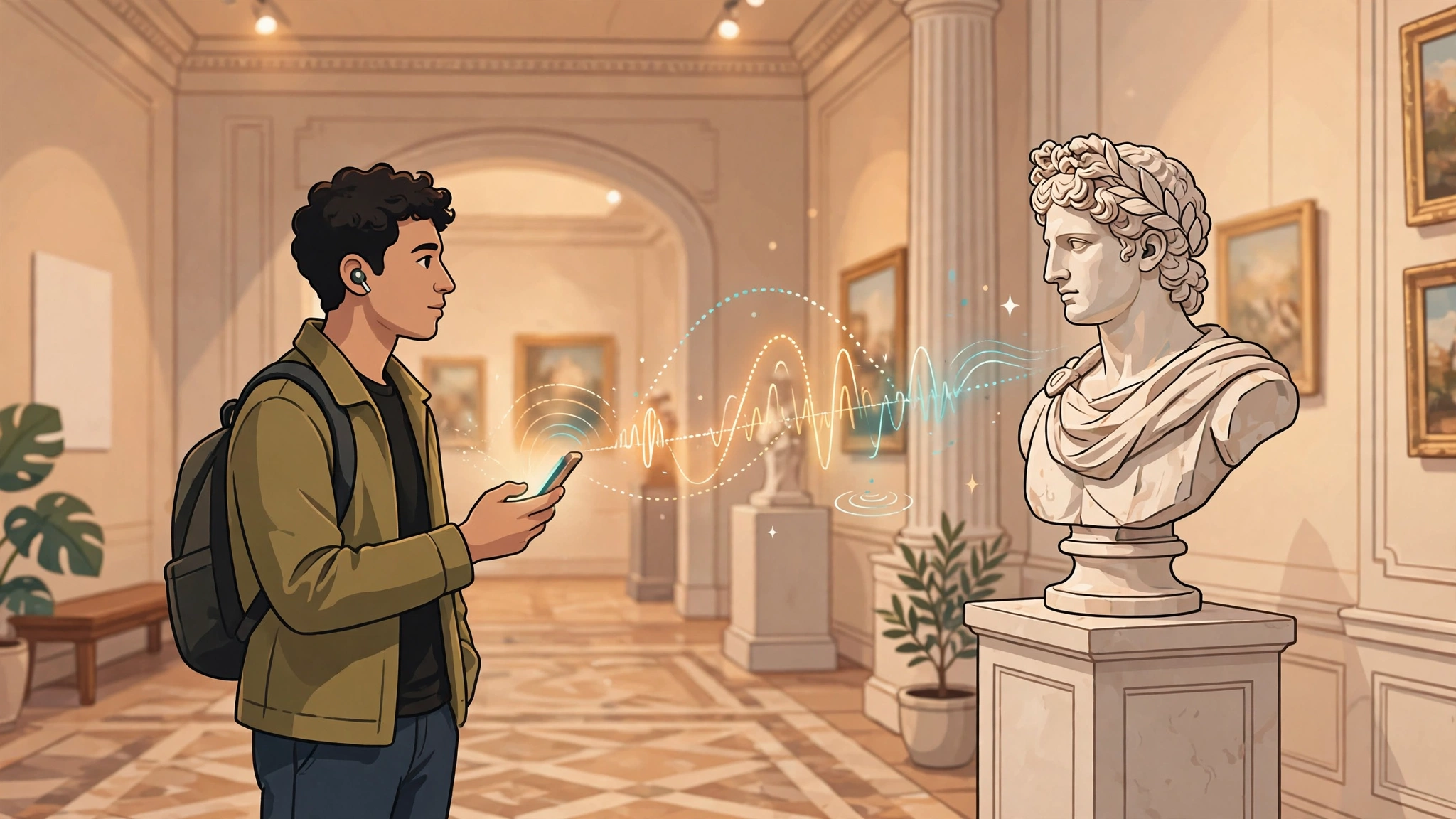
A visitor stands before a 2,000-year-old sculpture, phone in hand, and hears its story in her own language — narrated in a warm, natural voice that was never recorded in a studio. This is the promise of the AI audio guide for museums: professional-quality narration, in dozens of languages, updated in minutes instead of months, at a fraction of the cost of traditional recorded guides.
Museums, galleries, historic sites, and tour operators are adopting AI narration fast, but the difference between a guide visitors love and one they abandon after two stops comes down to scriptwriting, voice choice, and delivery design. This guide covers how AI audio guides work, what they cost, how to build one, and how to make it genuinely multilingual and accessible.
TL;DR: An AI audio guide for museums uses text-to-speech to narrate exhibits and tours in multiple languages without studio recording. It slashes production cost and time, lets curators update scripts instantly, and serves international and visually impaired visitors better than hardware guides. What decides success: strong scripts, the right voice, and dead-simple access — usually a QR code, not an app. (60 words)
What Is an AI Audio Guide?
An AI audio guide is a narrated tour — of a museum, gallery, historic district, or attraction — where the narration is generated by text-to-speech AI instead of recorded by human voice actors in a studio. Visitors typically access it on their own phones by scanning a QR code at each stop or opening a web link; the guide then plays the narration for whatever they're looking at.
Definition: An AI audio guide is a location-based narration system that converts written exhibit scripts into spoken audio using text-to-speech synthesis, delivered to visitors through their own smartphones via QR codes, NFC tags, or web links.
The "AI" part covers two jobs: generating natural-sounding speech from your script, and increasingly, personalizing the experience — offering different tour lengths, languages, or depth levels from the same content. The curator still writes the story; the AI just performs it, in every language, on demand.
Why Are Museums Switching to AI Audio Guides?
The traditional model — hiring voice actors, booking studio time, pressing content onto rented hardware devices — made audio guides expensive to create and painful to change. A single factual correction could mean re-recording and reissuing devices across the whole museum. AI narration removes that bottleneck: edit the script, regenerate the audio in minutes, and every visitor gets the corrected version immediately.
There are three more reasons for the shift. First, language coverage: a mid-size museum can now offer its tour in twenty languages instead of three, which matters enormously for international tourism. Second, hygiene and convenience: visitors prefer their own phones and earbuds over shared hardware. Third, experimentation: curators can A/B test different scripts, add seasonal tours, or create children's versions without a recording budget for each variant.
The shift mirrors what happened in long-form narration generally — our guide to AI voices for documentary narration covers the same quality leap that made synthetic narration acceptable to demanding audiences.
AI Audio Guides vs Human-Recorded Guides: What's the Difference?
Let's be honest about the trade-offs. A top-tier human narrator with a great director still delivers the most emotionally nuanced performance. But the gap has narrowed dramatically, and for informational narration — which is what most museum guides are — current AI voices are more than good enough for the vast majority of visitors.
| Factor | AI-generated audio guide | Human-recorded audio guide |
|---|---|---|
| Production time per language | Minutes to hours | Days to weeks |
| Cost per additional language | Marginal | Full re-recording cost |
| Updating a script | Regenerate in minutes | Rebook studio and talent |
| Emotional nuance | Good, improving fast | Excellent at the top end |
| Consistency across languages | Same voice character everywhere | Different actors per language |
| Visitor hardware | Their own phone | Rented devices to manage |
The pragmatic approach many institutions take: use AI narration for the full multilingual tour, and reserve human recording for a small number of signature pieces where performance truly matters — a famous speech, a poetic introduction. You get 95% of the coverage at a fraction of the cost.
How Does Multilingual AI Voiceover Work for Tours?
Here's the workflow that makes twenty languages practical. You write and finalize the script once, in your source language. The script is translated — ideally by professional translators for cultural sites, since exhibit text is full of nuance. Then each language version is synthesized with a voice chosen for that language, keeping the same voice character (warm, authoritative, friendly) across all of them.
Definition: Voice character consistency means using voices across languages that share the same perceived age, warmth, and energy, so the museum's audio identity feels unified whether a visitor listens in English, French, or Japanese.
Two quality checkpoints matter most. First, have a native speaker listen to every language — not just read the translated script, but actually hear it, because TTS mispronunciations of local names and places are the most common flaw. Second, check proper nouns obsessively: artist names, historic figures, and place names are where synthetic speech most often stumbles. Most TTS platforms let you add pronunciation exceptions for exactly these cases.
For the broader principles of producing natural speech across languages, our multilingual dubbing workflow guide goes deeper on voice selection and review processes.
How Much Does an AI Museum Audio Guide Cost?
The honest answer: dramatically less than the hardware-and-studio model, with most of the remaining cost in the parts AI can't do — scriptwriting, translation, and curation. Here's how a typical mid-size museum budget breaks down:
| Cost item | AI-guide approach | Traditional approach |
|---|---|---|
| Narration production (one language) | Subscription or per-character TTS fees — modest | Studio + voice talent — significant |
| Each additional language | Translation + small synthesis cost | Full new recording session |
| Script updates | Near-zero marginal cost | Re-recording fees each time |
| Visitor devices | None (visitors' phones) + QR signage | Purchase/rent/maintain hardware fleet |
| Biggest cost either way | Scriptwriting, translation, and curatorial review | |
Don't under-budget the human parts. A bad script in a beautiful AI voice is still a bad tour. The institutions getting the best results spend their savings from narration on better writing and better translation — which is exactly where visitor satisfaction actually comes from.
How Do You Create an AI Audio Guide for Your Museum?
Follow this sequence, and you'll avoid the two classic failure modes: a guide nobody can figure out how to start, and narration that sounds like a robot reading a plaque.
- Map the stops. Walk the actual visitor route and pick 10–25 stops. Fewer, better stops beat a stop at every object.
- Write for the ear, not the eye. Short sentences, conversational tone, one idea per stop. Aim for 60–90 seconds of audio per stop — visitors' attention is finite.
- Get curatorial sign-off on the script first. Lock the facts before generating a single second of audio.
- Choose your voice. Test three to five voices with real staff. Pick the one visitors would want to spend an hour with — warm and clear beats dramatic.
- Translate, then native-review the audio. A native speaker must listen to every language, checking names and places.
- Generate and assemble. Synthesize each stop, add gentle intro/outro music if desired, and package per stop.
- Design dead-simple access. Big QR codes at each stop, a short URL fallback, no mandatory app download. Test it with a visitor's phone, not yours.
- Pilot with real visitors. Watch where people get confused, which stops they skip, and where they replay — then revise.
Step two deserves emphasis: writing that works on a wall label often fails as narration. Read every script aloud before generating audio. If you stumble reading it, visitors will stumble hearing it. The techniques overlap heavily with audiobook craft — see our audiobook narration tips for pacing and performance principles that transfer directly.
Which Languages Should Your Audio Guide Support?
More languages is not automatically better — unmaintained languages rot. Start with your visitor data: which countries do your tourists actually come from? For most museums, the source language plus three to six additional languages covers the overwhelming majority of visitors.
Prioritize by impact: the languages of your largest international visitor segments first, then languages tied to your collection (a museum of Islamic art serving Arabic speakers, for instance), then accessibility-driven additions. Each language you ship is a promise to keep it updated — so only ship languages you can maintain when exhibits change.
How Do Visitors Access the Guide Without Downloading an App?
App-download friction kills adoption. The winning pattern in 2026 is the progressive web app or plain mobile web page: the visitor scans a QR code, a web page opens, they tap play. No install, no account, no storage permission. It works on any reasonably modern phone, which covers essentially all visitors.
Make the QR codes impossible to miss — large, at eye level, at the start of the route and at each stop — and always print a short URL underneath for visitors whose cameras misbehave. Offer a Wi-Fi network or at least warn visitors about data usage if your galleries have poor reception; nothing sours an audio guide faster than buffering halfway through the Renaissance wing.
How Do AI Audio Guides Improve Accessibility?
This is the most underrated benefit. Visitors with visual impairments get full access to exhibit content through audio description tracks — easy to add when narration is generated rather than recorded. Visitors with hearing impairments benefit from synchronized transcripts, which fall out naturally since the script already exists as text.
Other accessibility wins: adjustable playback speed for visitors who process audio differently, children's versions with simpler language generated from the same source script, and audio description of visual details (colors, composition, scale) that sighted visitors take for granted. When updating content is cheap, inclusive content stops being a luxury add-on and becomes the default.
What Should You Know About Outdoor and Historic-Site Tours?
Outdoor tours add two complications: GPS triggering and the elements. GPS-triggered audio — where the narration starts automatically as the visitor approaches a point of interest — works well in open areas but struggles in dense old towns with tall buildings; always provide manual stop selection as a fallback. And remind visitors to bring earbuds: phone speakers compete poorly with wind, traffic, and crowds.
For historic sites, the scriptwriting challenge is different from museums: there's often less to look at and more story to tell. Lean into narrative — the people, the events, the vanished buildings — and use the AI voice's consistency to your advantage across a long walking route. A two-hour walking tour needs a voice visitors don't tire of; test full-length listening sessions, not just samples.
Frequently Asked Questions
How long does it take to create an AI audio guide for a museum?
The narration itself can be generated in days once the script is final. The real timeline is the human work: scriptwriting, curatorial review, translation, and native-speaker audio review typically take several weeks to a few months for a 20-stop tour. Finalize the script before generating audio to avoid rework.
Do visitors need to download an app to use an AI audio guide?
No — and they shouldn't have to. The best practice is a mobile web page accessed by scanning a QR code at each stop. This works on any modern phone with no install, no account, and no storage permission, which dramatically increases the share of visitors who actually use the guide.
How many languages can an AI audio guide support?
Technically, dozens. Practically, support the languages your visitors actually speak — usually the source language plus three to six more covers the vast majority. Every language you ship is a maintenance commitment, so only add languages you can keep updated when exhibits change.
Will visitors notice the voice is AI-generated?
Most won't, for informational narration. Current AI voices handle museum-style content — clear, paced, informative — very convincingly. The giveaway moments are usually mispronounced proper nouns, which is why native-speaker review of every language is essential, not optional.
Can we update the guide when an exhibit changes?
Yes — this is the biggest advantage over recorded guides. Edit the script, regenerate the audio for the affected stops, and republish. Visitors get the corrected version immediately with no studio booking, no new hardware, and no reprinting.
What equipment do visitors need?
Just their own smartphone and earbuds. Museums typically provide QR code signage at each stop and a short URL fallback. Good Wi-Fi or a clear note about mobile data usage keeps the experience smooth in galleries with poor reception.
Are AI audio guides good for children's tours?
They're excellent for it. Because generating variants is cheap, you can produce a children's version with simpler language and a warmer, more playful voice from the same source material — something that was rarely budget-justifiable with studio recording.